
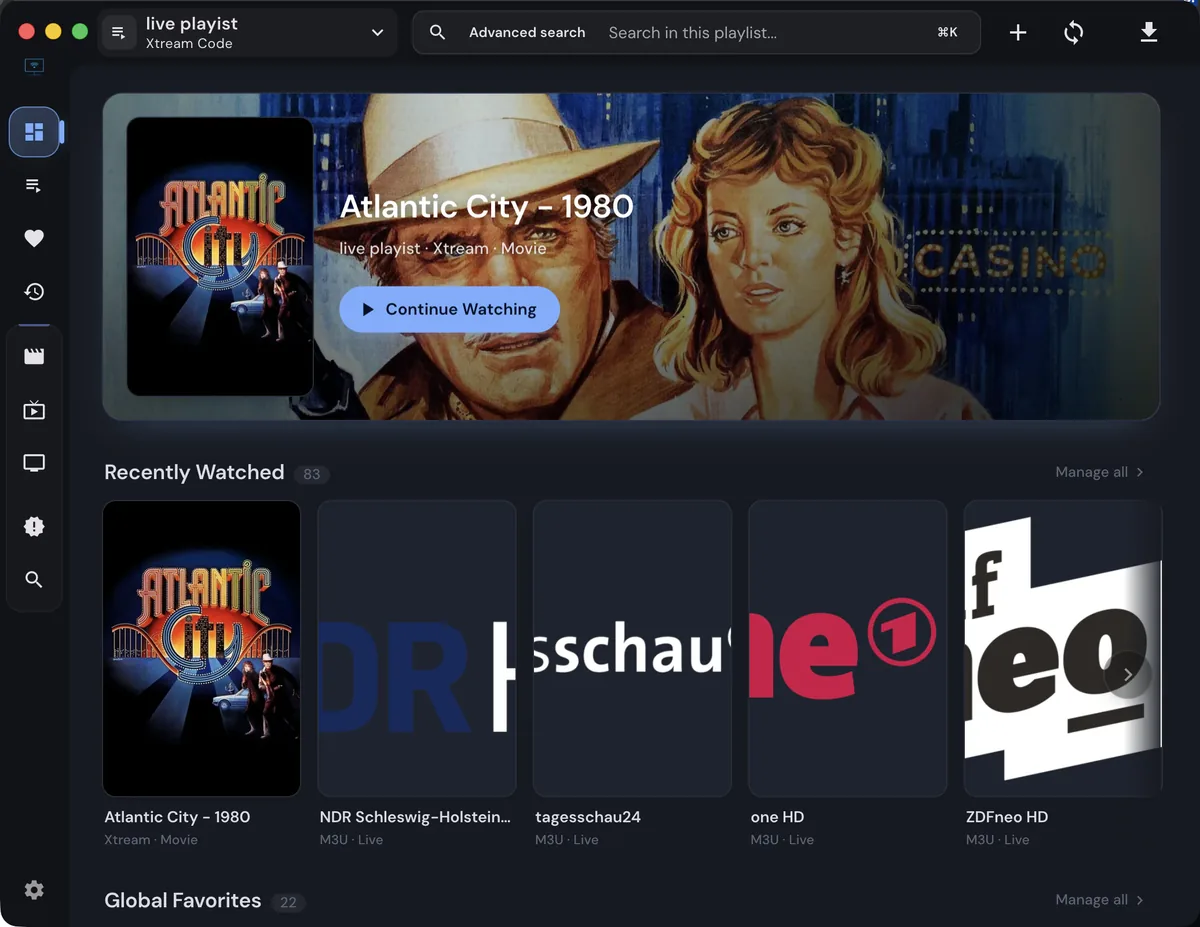
If you are searching for alternative to IPTVnator, start with the task that is failing and compare a replacement against the same authorized source.
Quick answer: what makes an alternative useful?
An alternative to IPTVnator is useful when the current player misses a concrete requirement, such as Android TV controls, a native mobile path, a codec, an external-player handoff or a storage model you can manage. It is not automatically better because a directory lists more names. Start by writing the exact job that fails, the device where it fails and the result you expect from another player. That boundary keeps a comparison useful and prevents a provider problem from becoming an unnecessary reinstall.
Compare the platform before the app name
Compare the platform before comparing brand names. A Windows or macOS desktop user may value local files, keyboard control and VLC or MPV integration. A browser or self-hosted user may value HTTPS, persistence, proxy behavior and a clean PWA path. Android TV and Fire TV users need remote-friendly navigation and a verifiable distribution route. Treat a web page, a desktop package and an experimental TV shell as different products even when they share a repository or feature list.
Compare playlist, EPG and catalogue support
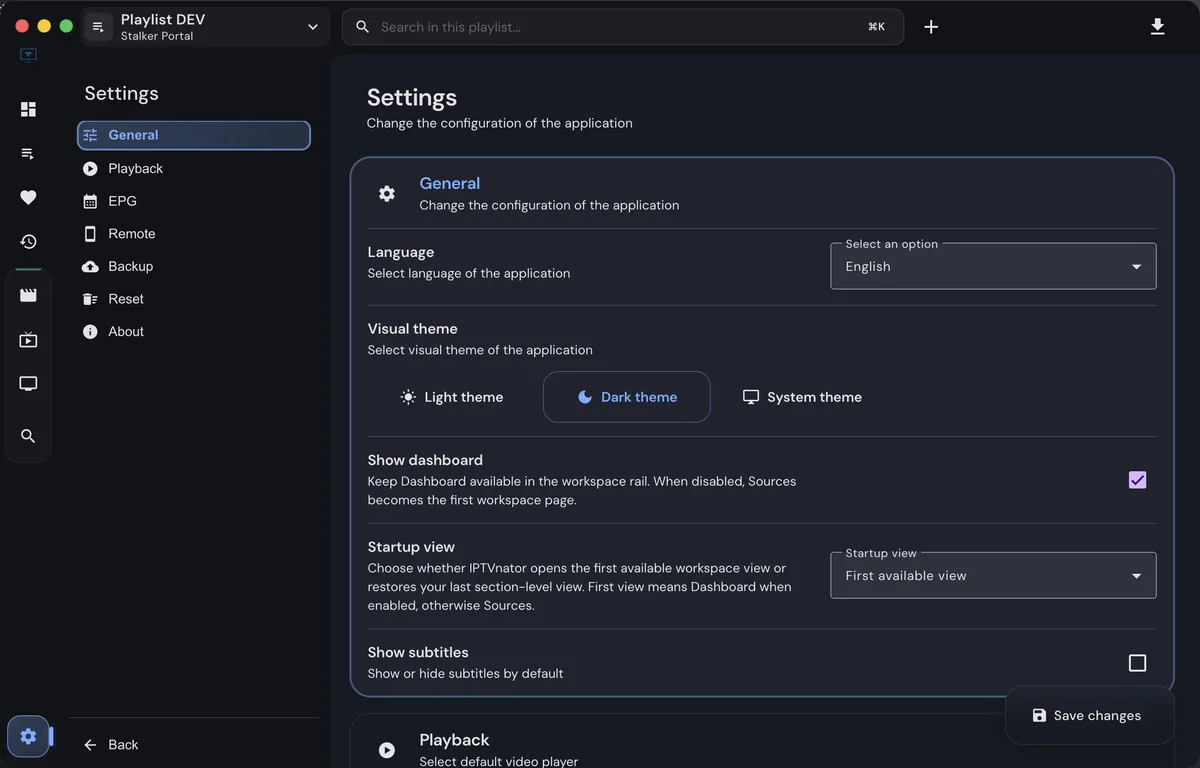
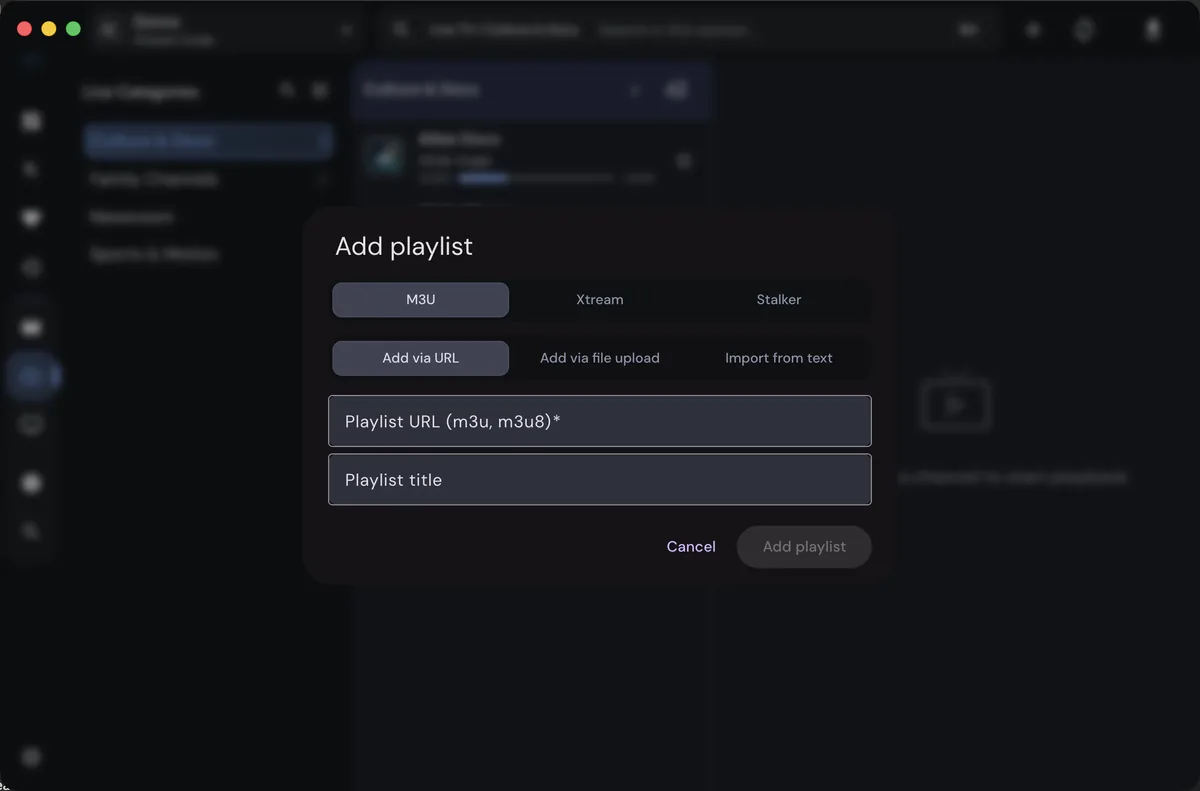
Playlist support is more than accepting an M3U filename. Check whether the candidate reads a URL, a local file or pasted text, and whether it preserves group titles, logos, XMLTV identifiers and catch-up fields. Xtream Codes and Stalker portals use different authentication and endpoint assumptions. VOD, series, search and posters depend on the provider response as well as the player. Keep one small authorized source for comparison; never copy a complete password-bearing URL into a public form or online checker.
Compare playback and external-player paths
Playback differences deserve a controlled test. Use the same channel, network and device where possible, then record whether the request loads, a video frame appears, audio is present and an external player can open it. Browser CORS, HTTPS, autoplay and codec support can explain a failure that does not occur on a desktop build. VLC or MPV can isolate media compatibility, but a successful handoff does not prove that the source is reliable or that another app will support every EPG and catalogue feature.
Compare privacy, storage and account boundaries
Privacy and storage are selection criteria, not footnotes. Ask where playlist settings live, whether a self-hosted service needs a reverse proxy, how credentials are protected and which logs can contain provider URLs. Avoid players that require an unknown account, an activated edition or a free-channel promise before showing a feature. IPTVnator.wiki does not collect your playlist, username, password, MAC address or signed stream URL, and an alternative should be judged by the same boundary.
Use-case paths for desktop, web, TV and self-hosting
A migration is safest when it is reversible. Back up your own playlist configuration, record the current IPTVnator release and test the candidate with one source before importing a large catalogue. Compare launch, import, categories, guide rows, one live stream, audio and resume behavior separately. If the candidate fails at the same source and time, investigate the provider or network. If only one player fails, save the exact platform and codec evidence before changing more settings.
A migration checklist that preserves evidence
The phrase alternative to IPTVnator describes a specific task around choosing an alternative to IPTVnator. This guide keeps that task visible from the first paragraph, then explains the decisions that matter before you click, import, update or troubleshoot. IPTVnator is a player and organizer, so the useful answer depends on the source you are authorized to use, the device running the app and the playback path selected by the release.
When staying with IPTVnator is the better choice
Use this page as a focused reference for Best Alternative to IPTVnator: Compare IPTV Players. It is not a promise that every provider, codec, portal or device will behave identically. Release builds, browser capabilities and provider responses can change independently. The goal is to give you a repeatable way to inspect the relevant setting, test one small input and keep the result understandable rather than changing several variables at once.
How to read alternative-player claims
A calm workflow starts with one known-good item. Confirm the application version, note the operating system, check whether the source is still authorized and test a single channel, account endpoint or preference. Once that small test works, add the next part. If it fails, the error is easier to connect to comparing players by platform, source support and playback workflow, which is more useful than replacing a complete playlist without evidence.
Keep a small test instead of a full migration
Platform differences are important for Windows, macOS, Linux, web/PWA, Android TV and self-hosted paths. Desktop builds may have local storage and operating-system integrations, while the web or PWA path depends on browser codecs, permissions, HTTPS and cross-origin behavior. A Docker deployment may add a proxy or persistence layer. Treat a successful test on one platform as useful evidence, not as proof that every other platform has the same capabilities.
Questions to ask before installing a replacement
For a safe compare one replacement against a known IPTVnator test, read the official project release information before trusting a filename or download button. Compare the version, architecture and package type with the project-controlled source. This site does not repackage IPTVnator, create alternative installers or replace missing release assets with an unknown mirror. A source link that is clearly labeled is better than an unverified shortcut.
What to record if playback changes
IPTVnator can work with private account details, playlist URLs and provider metadata, but IPTVnator.wiki does not need those secrets. Do not paste a username, password, token, MAC address, signed stream URL or private EPG endpoint into a support form or screenshot. Replace sensitive values with neutral examples when asking for help, and keep your own backup in a location you control.
A clear next step
When a result is wrong, compare the same authorized input in a second approved player only as a diagnostic step. If both players fail, investigate the source, account status, expiry time or provider response. If one player works and another fails, inspect codec support, browser restrictions, external-player settings and the exact build. This separation makes choosing an alternative to IPTVnator easier to reason about.
The visible checklist below turns the page into a small test plan. Work from the least invasive check to the most specific one: confirm the URL or setting, refresh once, inspect the error text, test another item, then compare platforms or players. Record what changed after each step. Do not delete useful evidence by repeatedly importing the same source with different credentials.
Some IPTVnator results are limited by information that the app cannot invent. A missing logo, empty EPG grid, expired signed URL, blocked browser request or unsupported audio track may come from the source rather than the interface. The player can display metadata it receives, but it cannot create provider data, renew an account or make an incompatible stream legal and playable.
A maintainable setup uses a current project release, a private copy of your own playlist configuration and a short note describing the platform and provider format. Keep experimental changes separate from the working setup. When an update changes behavior, compare the old and new versions with one test stream first. This keeps Best Alternative to IPTVnator: Compare IPTV Players useful after a future release rather than turning it into a one-time fix.
An external player such as VLC or MPV can help isolate media compatibility, but it should not be treated as proof that a third-party source is safe. Compare only content you are authorized to access, and avoid exposing the full URL in public logs. If external playback succeeds, record the codec and transport details that differ from the IPTVnator path instead of guessing at credentials.
If you need to report a reproducible issue, include the release tag, operating system, architecture, input type, approximate time, exact visible error and whether another authorized stream behaves differently. Do not include private URLs or account secrets. Clear evidence lets maintainers or a support reader distinguish a regression from an expired source, a browser limit or a local configuration mistake.
The best next step for alternative to IPTVnator is a small, verifiable change: choose the correct build, open the relevant setting, add one authorized source or test one stream. Use the facts on this page as a boundary around the experiment. When the result is stable, document it for yourself and return to the official project source for updates, release notes and future compatibility information.
Practical checks before switching players
- Name the limitation that makes you consider a replacement before installing anything.
- Keep the same authorized M3U, Xtream or Stalker test source when comparing players.
- Check platform, codec, EPG and external-player support separately.
- Do not paste provider usernames, passwords, tokens or signed URLs into comparison sites.
- Treat Android APK claims and free-channel promises as unverified until a project source confirms them.
- Keep a private backup and record the version, device and result of each test.
Choose the next test
Use the comparison criteria for alternative to IPTVnator, keep provider credentials private, and test one small source before a larger migration. A documented limitation is a better reason to switch than a vague promise of more channels or a newer-looking interface.